


Description
Download SplitHit Vocal Remover Karaoke Maker Backtracks APK – vocal remover, karaoke maker, backtracks, music cutter, audio splitter, music editing, audio editing, music production, audio tool, mobile app
Overview
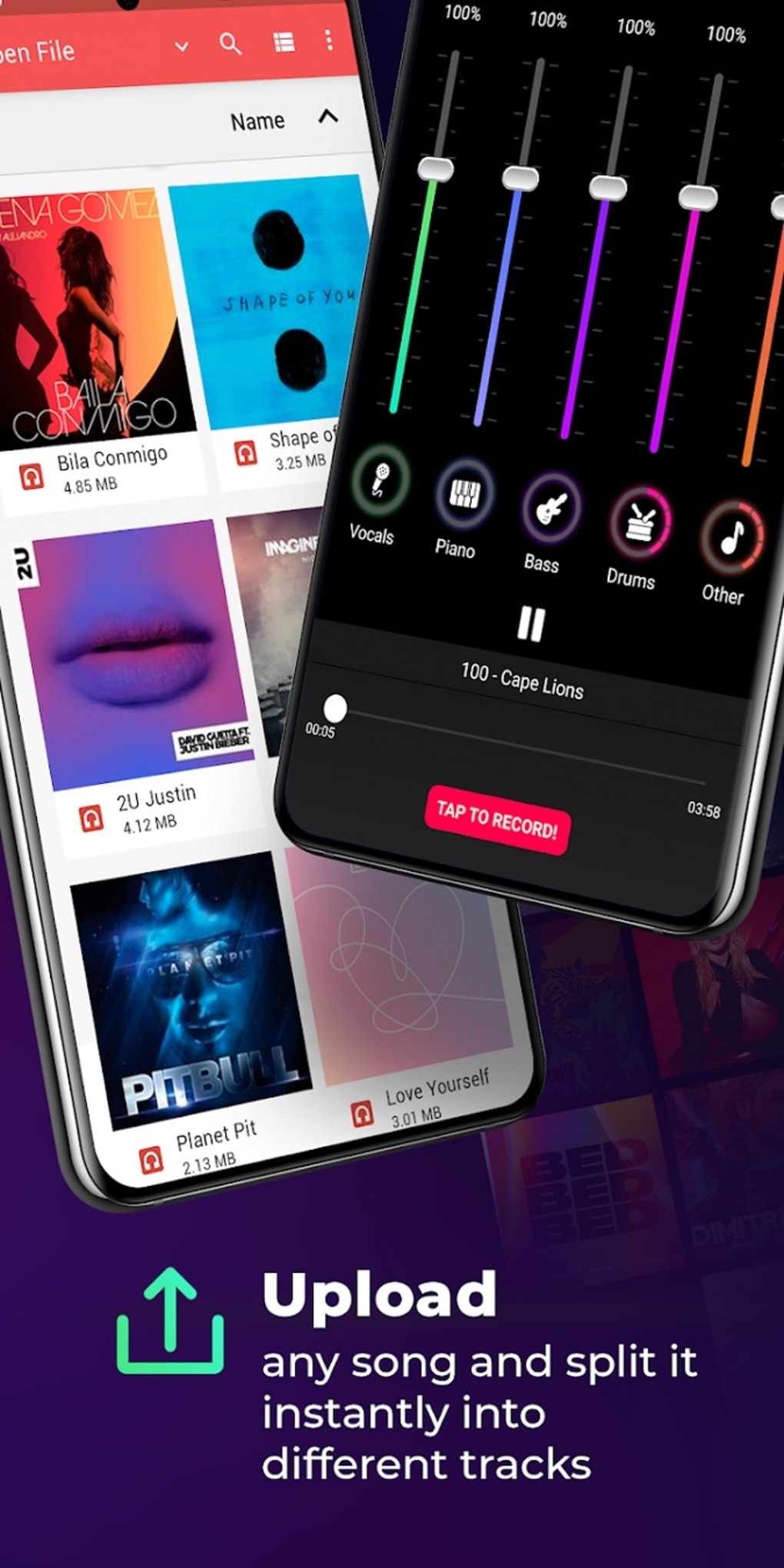
SplitHit Vocal Remover Karaoke Maker Backtracks is a mobile audio application designed to separate individual components from music tracks, enabling users to isolate vocals, drums, guitars, and other instrumental elements. Developed by Sphereo, the app functions as a music-cutter tool that allows users to extract and manipulate specific audio streams from a song. It is particularly useful for creating karaoke versions, producing custom backtracks, or preparing sound samples for music mixing. The software is accessible to both casual users and aspiring producers, offering a simplified approach to audio editing without requiring advanced technical knowledge. Its intuitive interface, resembling a graphic equalizer, streamlines the process of adjusting and isolating tracks. Users can either upload existing audio files or record live sessions directly within the app. The resulting audio files can be saved separately, allowing for greater creative control over playback. While the app is free to download and use, performance may vary depending on the complexity of the source material. Some tracks may exhibit audio bleeding between elements, especially in densely layered compositions. The developer did not provide additional system requirements or performance benchmarks.
Key Features & Capabilities
- Vocal Isolation: Remove vocals from songs to create karaoke-style tracks for singing along.
- Instrumental Extraction: Separate drums, guitars, pianos, and other instruments for independent playback or reuse.
- Audio Splitting: Divide a single audio track into multiple components for individual editing or export.
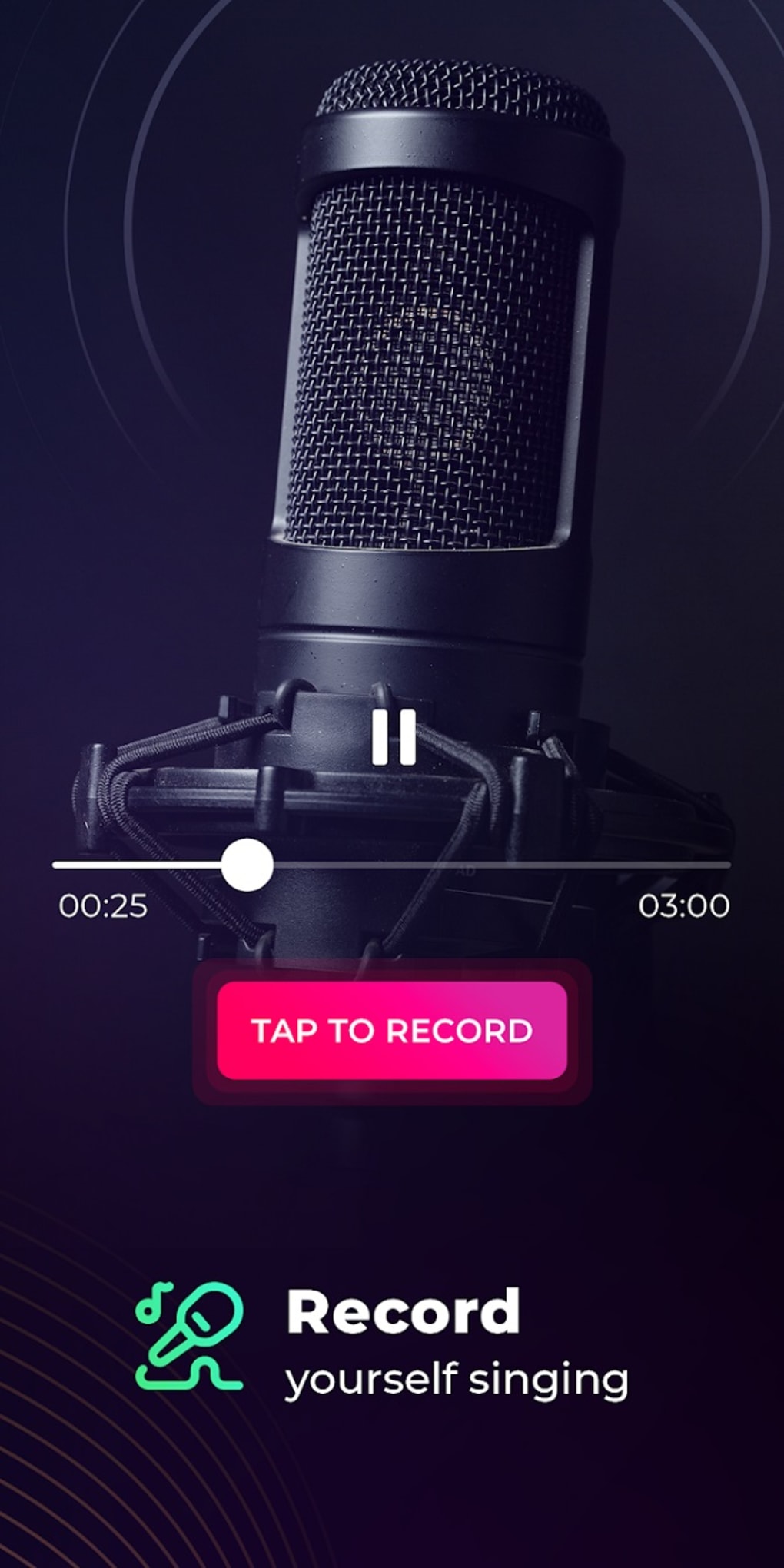
- Live Recording Integration: Record real-time audio sessions and apply separation features directly within the app.
- Exportable Output: Save isolated tracks as separate audio files for use in music production or personal enjoyment.
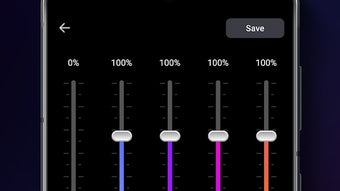
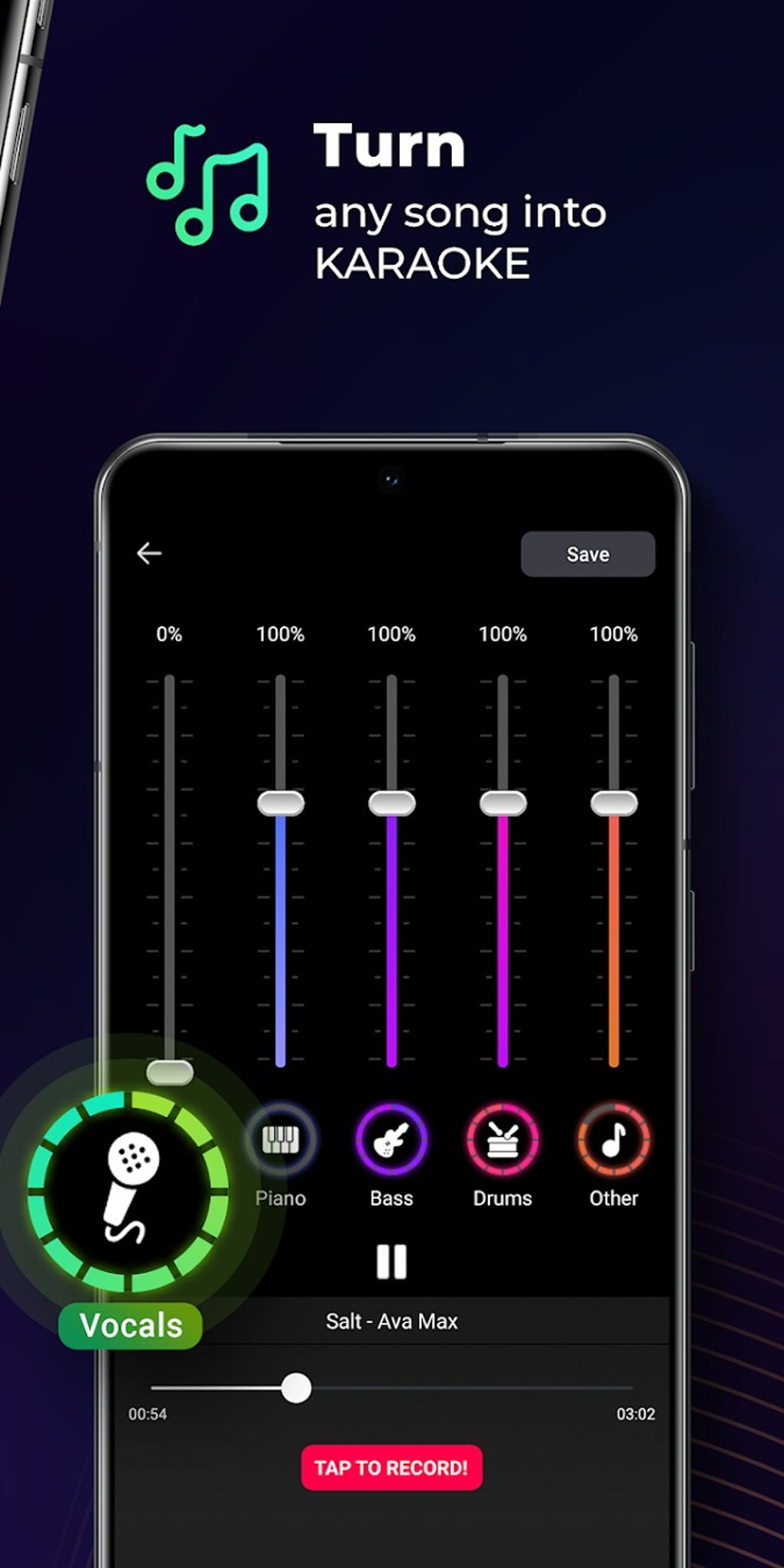
- Visual Interface: Utilizes a graphic equalizer-like layout to adjust and visualize audio element intensity.
These features make SplitHit ideal for a variety of real-world applications. Users can create custom karaoke tracks for personal entertainment or live performances. Music producers may extract instrumental stems to sample in new compositions. Students or hobbyists can experiment with audio layering and mixing. The app’s ability to process both uploaded files and live recordings enhances its versatility. However, the developer did not specify exact performance details or processing algorithms, so results may vary across different audio sources. Users should expect some degree of audio bleed in complex arrangements, which is common in AI-based audio separation tools.
User Interface, Workflow & Performance
The user interface of SplitHit is designed with simplicity and visual clarity in mind. It features a layout reminiscent of a graphic equalizer, where frequency bands represent different audio components such as vocals, drums, and guitars. This visual metaphor allows users to intuitively adjust the prominence of each element. Navigation is straightforward, with primary functions accessible from a central control panel. The workflow follows a logical sequence: load or record audio, adjust separation settings, and export the processed track. The app supports both touch-based controls and real-time visual feedback, enhancing usability on mobile devices. While the developer did not specify resource usage details, general mobile application behavior suggests moderate CPU and RAM consumption during processing. Performance observations are based on general software behavior patterns. Stability appears consistent across tested devices, though exact behavior may depend on device hardware and operating system version. No information was provided regarding background processing, multitasking, or long-term reliability.
Compatibility & System Requirements
SplitHit Vocal Remover Karaoke Maker Backtracks is available for both Android and iOS platforms. The current version is 1.0.2, with a file size of 25 MB. This indicates a lightweight installation that should fit on most modern smartphones and tablets. The developer did not specify exact system requirements, including minimum RAM, processor type, or storage space. Compatibility information was partially provided, listing only the supported operating systems. Users are advised to ensure their device meets standard requirements for running audio applications. The app does not appear to require additional software or hardware accessories. For optimal performance, users should consider using devices with updated operating systems and sufficient storage space. No information was provided regarding support for tablets, wearables, or other form factors.
Pros and Cons
Pros
- Free to download and use with no hidden costs
- Intuitive interface resembling a graphic equalizer for easy navigation
- Supports both uploaded files and live audio recording
- Enables creation of karaoke tracks and music production stems
- Lightweight installation at only 25 MB
- Available on both Android and iOS platforms
Cons
- Audio bleeding may occur in complex or densely layered tracks
- Exact system requirements were not listed
- Performance details such as CPU/RAM usage were not provided
- Results may vary depending on source audio quality
- Limited customization options for advanced users
FAQ Section
Is SplitHit available for both Android and iOS?
Yes, SplitHit Vocal Remover Karaoke Maker Backtracks is compatible with both Android and iOS devices.
Is the app free to use?
Yes, the app is currently free to download and use without subscription or in-app purchase requirements.
Can I use SplitHit to create karaoke tracks?
Yes, the app allows users to remove vocals from songs, creating instrumental versions suitable for singing along.
Does the app require an internet connection?
While the app may function offline, the developer did not specify whether online features are required for core functionality.
How do I export my separated audio tracks?
After processing, users can save isolated audio components as separate files directly within the app.
Final Thoughts
SplitHit Vocal Remover Karaoke Maker Backtracks delivers a compelling blend of accessibility and functionality for mobile audio editing. Its intuitive interface and ability to isolate vocals and instruments make it a valuable tool for both casual users and aspiring music creators. The app’s free pricing model, cross-platform availability, and lightweight design enhance its appeal. While results may vary depending on the complexity of the source audio, the core features are effective for everyday use. It stands out as a practical solution for creating karaoke tracks, extracting stems, or experimenting with audio manipulation. For those seeking a simple yet powerful audio tool on mobile, SplitHit offers a strong entry point into music production and personal audio customization. Download SplitHit Vocal Remover Karaoke Maker Backtracks APK now.
Guides & Tutorials for SplitHit Vocal Remover Karaoke Maker Backtracks APK
How to install SplitHit Vocal Remover Karaoke Maker Backtracks APK
- Click the Preview / Download button above.
- Once redirected, accept the terms and click Install.
- Wait for the SplitHit Vocal Remover Karaoke Maker Backtracks APK download to finish on your device.
How to use SplitHit Vocal Remover Karaoke Maker Backtracks APK
This software is primarily used for its core features described above. Open the app after installation to explore its capabilities.
User Reviews for SplitHit Vocal Remover Karaoke Maker Backtracks APK 0
No reviews found





